

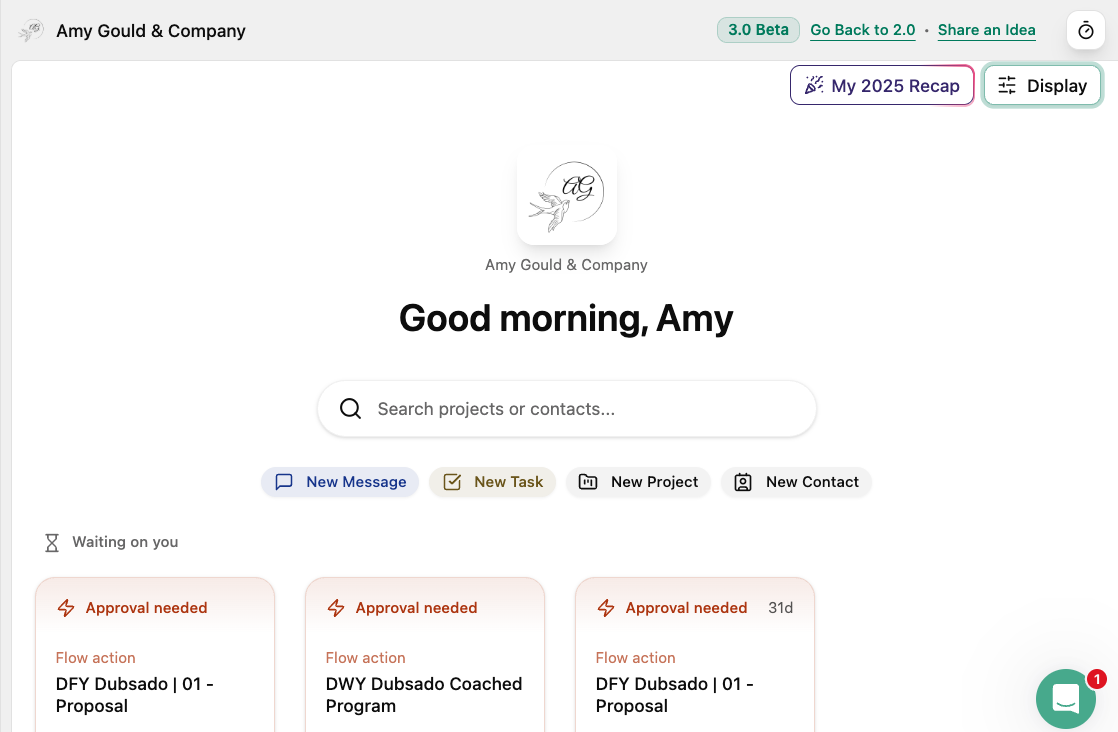
Let’s face it: business tools are supposed to make our lives easier, not send us into a spiral of overwhelm and confusion. The default structure of the Dubsado 3.0 homepage can be a lot. If you’ve logged in and felt your brain instantly short-circuit, you’re definitely not alone. (I know my first reaction was OMG! What’s this!!)
The good news? A few thoughtful tweaks can transform that cluttered, chaotic dashboard into a calm, CEO-friendly space that actually helps you run your creative business with more ease and less stress. In this post, I’ll share exactly how I customized my Dubsado 3.0 homepage, what I hid, what I kept, and the mindset shift that made all the difference.
Let’s get your Dubsado homepage working for you—so you can get back to doing the creative work you love.
Here’s What I’m Talking About:
- Why the Dubsado 3.0 Homepage Feels So Overwhelming
- The Mindset Shift: From Decision Fatigue to CEO Calm
- What to Keep, What to Hide (and Why)
- My Step-by-Step Customization Process
- How to Make Dubsado 3.0 Feel Like Home
- Tips for Testing and Troubleshooting Your Workflows
- How I Help Creative Entrepreneurs Streamline Their Systems
Who I Am:
Hey there! I’m Amy Pearson, founder of Amy Gould & Company, based in Grand Haven, Michigan. I’m a systems strategist and Dubsado expert on a mission to help creative entrepreneurs—think photographers, home stagers, and jewelry designers—work less, make more, and wow their clients. Through Dubsado and HoneyBook setups, workflow templates, and strategy sessions, I help you save time, reduce overwhelm, and create a client experience that’s as smooth as your favorite playlist.
Rather Watch This Instead of Read It? Watch the Video on YouTube
If you’d rather hear me chat through my tweaks to the Dubsado 3.0 homepage (and see what it actually looks like), you’re in luck! Watch this on my YouTube channel, where I walk you through my thought process as I set up my own homepage.
Why the Default Structure of the Dubsado 3.0 Homepage Feels So Overwhelming
Logging into Dubsado 3.0 for the first time can feel like stepping into a crowded party where you don’t know anyone and everyone’s shouting for your attention. There’s a lot of information and none of it looks the way it did.
For those of us who loved the cozy familiarity of Dubsado 2.0, the new layout can feel like sensory overload. But here’s the thing: the default homepage is designed to give you options, so it shows you everything at first and that’s where the overwhelm sneaks in.
The Mindset Shift—From Decision Fatigue to CEO Calm
As a system strategist (and a human with a finite amount of daily brainpower), I need my tools to reduce decision fatigue, not add to it. The secret? Your Dubsado homepage doesn’t need to show you every single feature—it just needs to support your next best action and give you an overview of how things are working.
Once I let go of the pressure to see “everything” and started customizing my dashboard to show only what mattered most to me, I felt the stress melt away. Remember: you’re the CEO here. Your tools should work for you, not the other way around.
“Your Dubsado homepage doesn’t have to show you everything—it only needs to show you the things that help you take your next best action and keep tabs on your systems.”
Amy Pearson
What to Keep, What to Hide When You Restructure Your Dubsado 3.0 Homepage (And Why)
Here’s where the magic happens!
Start by asking yourself: What information do I actually need to see every time I log in?
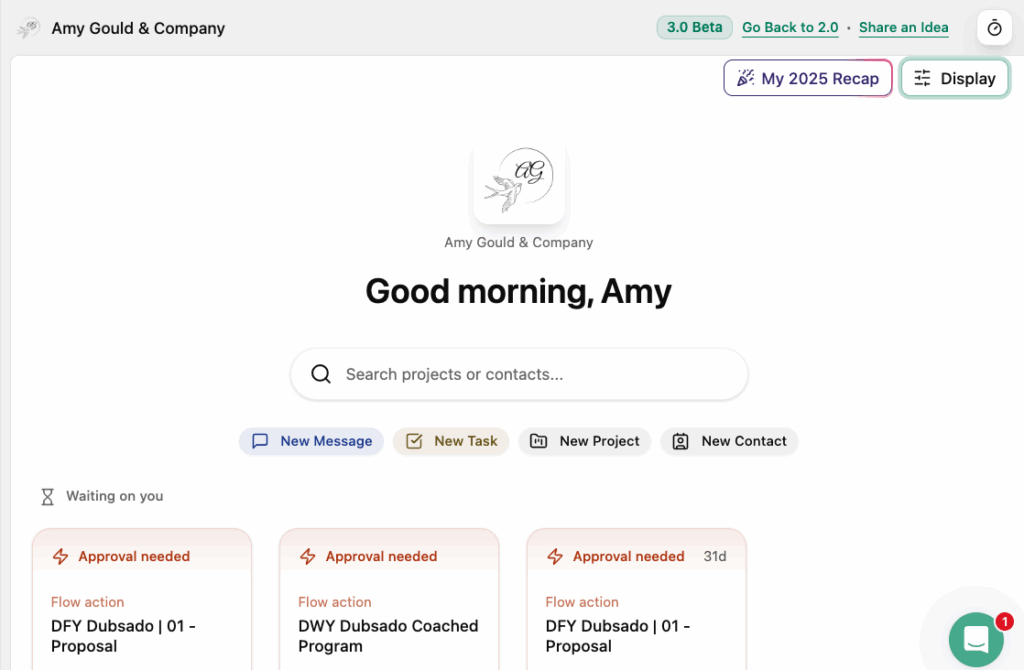
For me, it’s the “Waiting on You” section (so I know what needs my attention), and “Upcoming Events” (so I can see my appointments at a glance).
Financial reports and project summaries? Important, but not urgent—so I moved those further down the page.
Tasks? I’m still deciding, since I often check those inside individual projects. The key is to be ruthless: if a widget doesn’t help you take action or stay organized, hide it! You can always find those details elsewhere in Dubsado when you need them or unhide them later.
My Step-by-Step Customization Process
Ready to make your homepage feel like home? Here’s how to do it:
1. Click the display settings at the top of your Dubsado homepage.
2. Toggle off any sections that you don’t want to see. My recommendation: Hide anything that doesn’t help you take action or that you can easily access elsewhere.
3. Drag and drop to reorder your widgets—put the most important info at the top.
4. Move less urgent details (like reports or project stats) to the bottom.
5. Revisit your choices after a week. Is your homepage working for you? Tweak as needed!
How to Make Dubsado 3.0 Feel Like Home
After customizing, I finally felt at ease logging into Dubsado 3.0. No more information overload—just a calm, focused dashboard that helps me move projects forward and get things done. It doesn’t take long to set up, but the payoff is huge: you’ll feel more supported by your systems, less distracted, and more productive. And if you’re still feeling a bit lost, don’t worry—change takes time, and you can always adjust as you go.
How I Help Creative Entrepreneurs Streamline Their Systems
If you’re still feeling overwhelmed by building workflows or making Dubsado work for your business, I’m here to help! I offer 90-minute system strategy sessions where we map out your workflows together and come up with solutions to the bottlenecks in your business. You get free access to all the systems knowledge I’ve got rolling around in my head.
Whether you want a one-time tune-up or an end-to-end workflow map for your signature service, we’ll tackle it together so you can stop spending so much time on admin work.
The Structure of Your Dubsado 3.0 Homepage Doesn’t Have to Be Overwhelming
You don’t have to settle for a cluttered, overwhelming Dubsado homepage. With a few simple customizations, you can create a dashboard that’s calm, clear, and designed for how you actually work. Remember: your business systems should support you, not stress you out!
If you’re ready to take your Dubsado setup to the next level, let’s chat about how I can help you create workflows and dashboards that truly work for you. And don’t forget to sign up for my newsletter for more Dubsado 3.0 tips focused on clarity, not complexity.


+ view comments . . .