

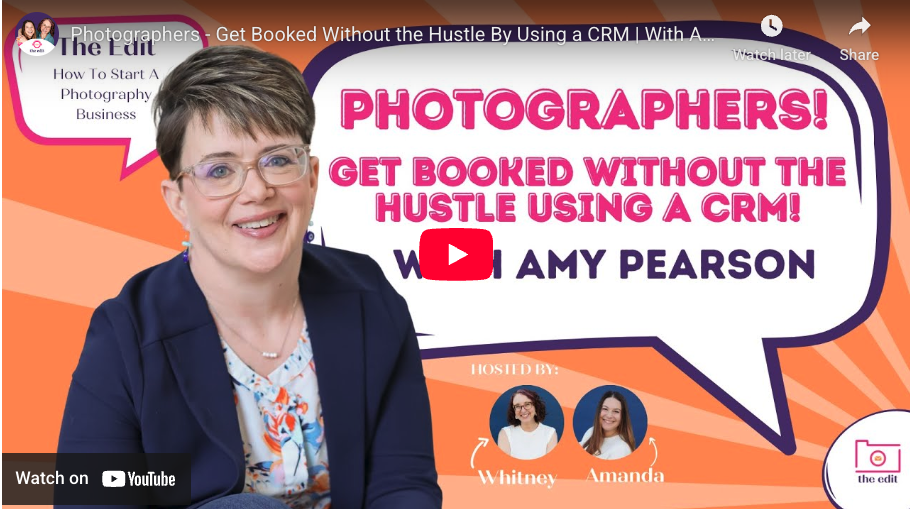
If the words “CRM” make your eyes glaze over, this one’s for you. I sat down with the fabulous team at The Edit Weekly to talk about what a CRM actually does for photographers, why platforms like HoneyBook and Dubsado are game-changers, and how to get organized without turning your business into a full-time admin job.
Watch the interview
What we covered (and why it matters)
1) “CRM” in plain English
A CRM is your studio’s command center. It keeps leads, emails, contracts, invoices, schedulers, and project steps in one place so clients don’t slip through the cracks and you don’t spend nights piecing together DMs, spreadsheets, and sticky notes.
2) Why HoneyBook & Dubsado work so well for photographers
- Lead capture → instant response: When someone inquires, your CRM can send a warm, on-brand reply instantly (no more “did they get my email?”).
- Scheduling without the back-and-forth: Clients pick times that work, you stay in control of buffers, location notes, and session types.
- Proposals that convert: Package, contract, and invoice in one flow = fewer drop-offs and faster bookings.
- Automation with personality: Templates keep your voice consistent while freeing up your brain for the work you love—shooting and serving clients.
(Inside baseball: HoneyBook’s Smart Files + automation vs. Dubsado’s proposals/workflows—both are powerful. The “best” one depends on your services, sales process, and how much customization you want.)
3) Common pain points a CRM solves
- Leads ghosting after the initial inquiry
- Forgetting to follow up (or following up once… and never again)
- Chasing signatures and payments
- Session reminders going out late (or not at all)
- Spending hours answering the same questions
4) What a smooth system setup actually looks like
- Map first, tech second. Decide the steps of your client journey before touching software.
- Lead capture form: ask only what you truly need to qualify (session type, rough date, location vibes, budget comfort).
- Instant, friendly autoresponder: sets expectations and offers next steps (book a call or view packages).
- Proposal flow: packages → contract → invoice in one click-through.
- Automated emails: confirmations, prep guides, reminder nudges, gallery delivery, and review requests.
- Follow-up for “not yet” leads: a short sequence that keeps you top-of-mind without feeling salesy.
3 quick wins you can implement today
- Sign up for a trial of Dubsado or HoneyBook and take their tour. See which one feels good to you. If you hate working in it, you won’t use it. Use my affiliate codes below to save if you decide to subscribe. Dubsado: Save 30% HoneyBook: Save 25%
- Set up a Lead Capture Form
Cut any question you don’t actually use to make a decision. Keep contact info, session type, preferred date range, location idea, and one “anything else I should know?” box. Fewer fields = more inquiries. (You can always ask more questions AFTER they’ve booked with you.) - Add an instant, human autoresponder.
“Got your note and I’m excited to hear about your session!” → set expectations on reply timing, link to your packages or a discovery call, and include one helpful resource (e.g., “What to Wear for Fall Minis”). - Bundle your proposal.
Where possible, send one link that shows packages, contract, and invoice together. Fewer clicks = faster bookings.
Resources mentioned on the show
- My YouTube channel: Short, practical tutorials on HoneyBook & Dubsado, plus client-experience tips.
➜ Subscribe on YouTube - Book a free 15-minute discovery call: Let’s map your next best step—no pressure, just clarity.
➜ Book a quick call - Lead Capture & Follow-Up Template Pack: ➜ Done-for-you copy to respond instantly and follow up thoughtfully.
Ready to get organized (without losing your personality)?
If you’re piecing together systems or living in your inbox, a lightweight CRM setup can save you hours each week and make your client experience feel seamless. I offer both done-for-you builds and strategy sessions so you can choose your pace.
- Start with a Systems Strategy Session to map your process, or
- Go all in with a Done-For-You HoneyBook or Dubsado setup to implement fast.
👉 Grab a spot on my calendar and tell me about your next booking push.
P.S. Favorite moment from the interview
We talked about how “automation” isn’t about sounding robotic—it’s about protecting your energy so you can show up creatively. When your emails, reminders, and proposals run on rails, you get to focus on shooting, editing, and delivering a wow-worthy experience.


+ view comments . . .